People in orbit · Guide
Follow the people’s outposts in orbit
Follow the International Space Station, Tiangong, and catalogued crew vehicles as they travel around Earth.
Build your view
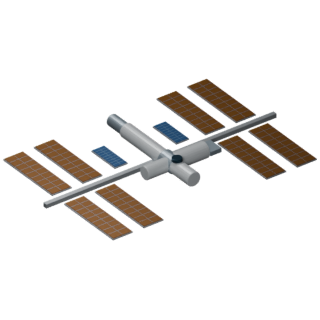
- Open In orbit in the Explore header, then choose a spacecraft card. Its illustrated symbol and modeled orbit appear on the globe.
- Select another card to compare multiple orbits. UTC markers show the times associated with points along each path.
- Select a card again to hide that spacecraft and its track. Tap its globe symbol for the catalog number, source time, and mission-information link.
Positions are modeled
The view uses CelesTrak orbital elements and SGP4 propagation. Earth’s rotation is accounted for at each sample. The display refreshes as new records arrive and hides positions if the feed expires. Maneuvers can change an orbit after the source elements were produced.
Stations and crew vehicles
The ISS and Tiangong are shown as stations. Recognized Crew Dragon, Soyuz, and Shenzhou vehicles can appear when fresh catalog data is available. Docked vehicles can share a station’s position. Their presence in the catalog does not say who is inside them; a crew capsule may be empty.
The symbols were created in Blender and are enlarged to make them easy to find. They are illustrations, not scale engineering models. For current crew names and mission updates, use the official mission sources below.
Choose a spacecraft →